RemoteDrive and IDrive both connect local file management with cloud storage, but with different purposes: RemoteDrive is a macOS multi-cloud tool for live file access, while IDrive is a cross-platform cloud service focused on backup.
RemoteDrive stands out as a macOS multi-cloud tool that mounts cloud storage as live drives directly in Finder for seamless access and editing, while IDrive focuses on secure backup, synchronization, and long-term storage through its dedicated client and synced folders rather than live-mounted remote drives.
Read below for a detailed breakdown of the differences.
RemoteDrive
Key Characteristics:
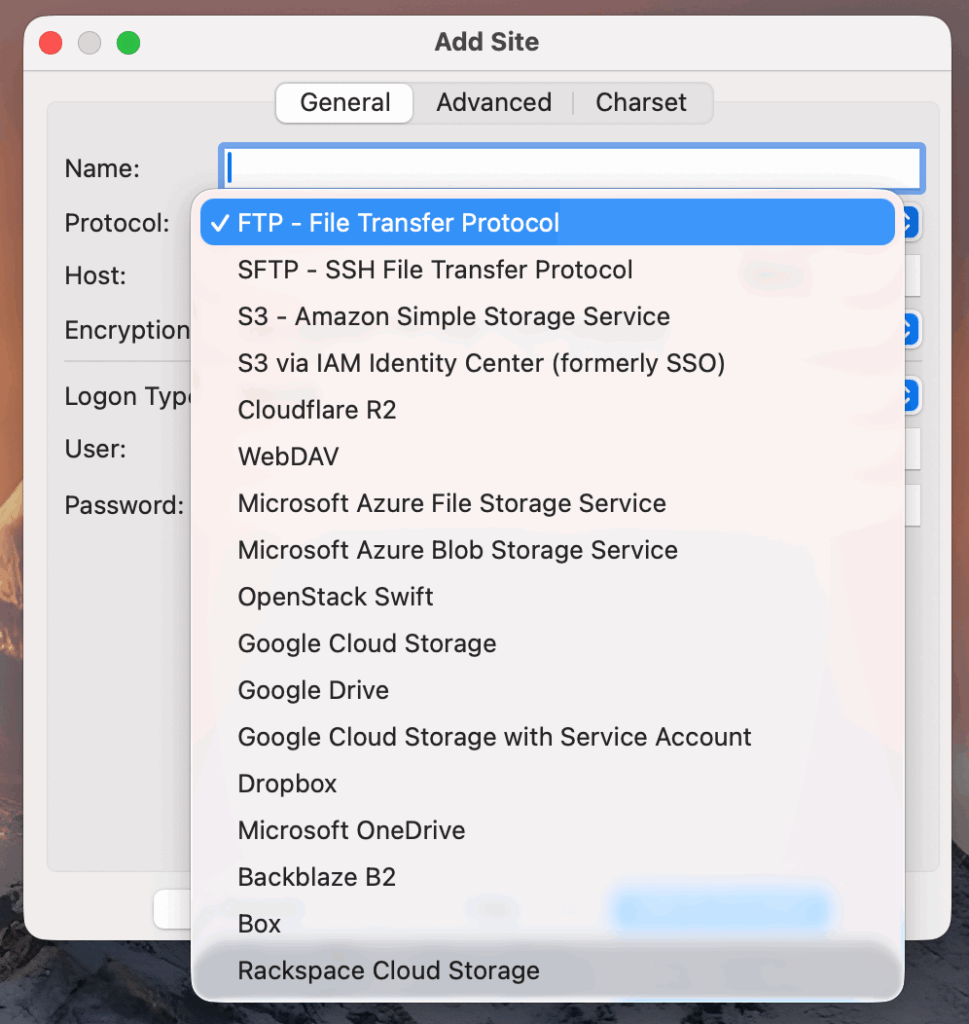
- Mount remote servers (FTP,FTPS, SFTP, WebDAV, cloud storage) as local drives on macOS Finder
- Directly access and edit remote files
- Native Finder integration for cloud services like G Drive, Dropbox, Amazon S3, Box, and Microsoft OneDrive
- Instant access to remote files, seamless editing
- Platform:macOS only
When to use RemoteDrive:
- Manage remote storage like local folders
- Access multiple cloud accounts or servers in one place
- Open, edit, and save files directly on remote servers
- Enjoy a native macOS experience
- Work seamlessly with FTP, FTPS, SFTP, WebDAV, and cloud services. For example, connect RemoteDrive to AWS S3 to access cloud buckets directly from Finder
RemoteDrive is a connector tool for managing, accessing, and editing remote files directly in Finder. It manages the transfer process seamlessly in the background, so your workflow stays smooth and uninterrupted.
IDrive
Key Characteristics:
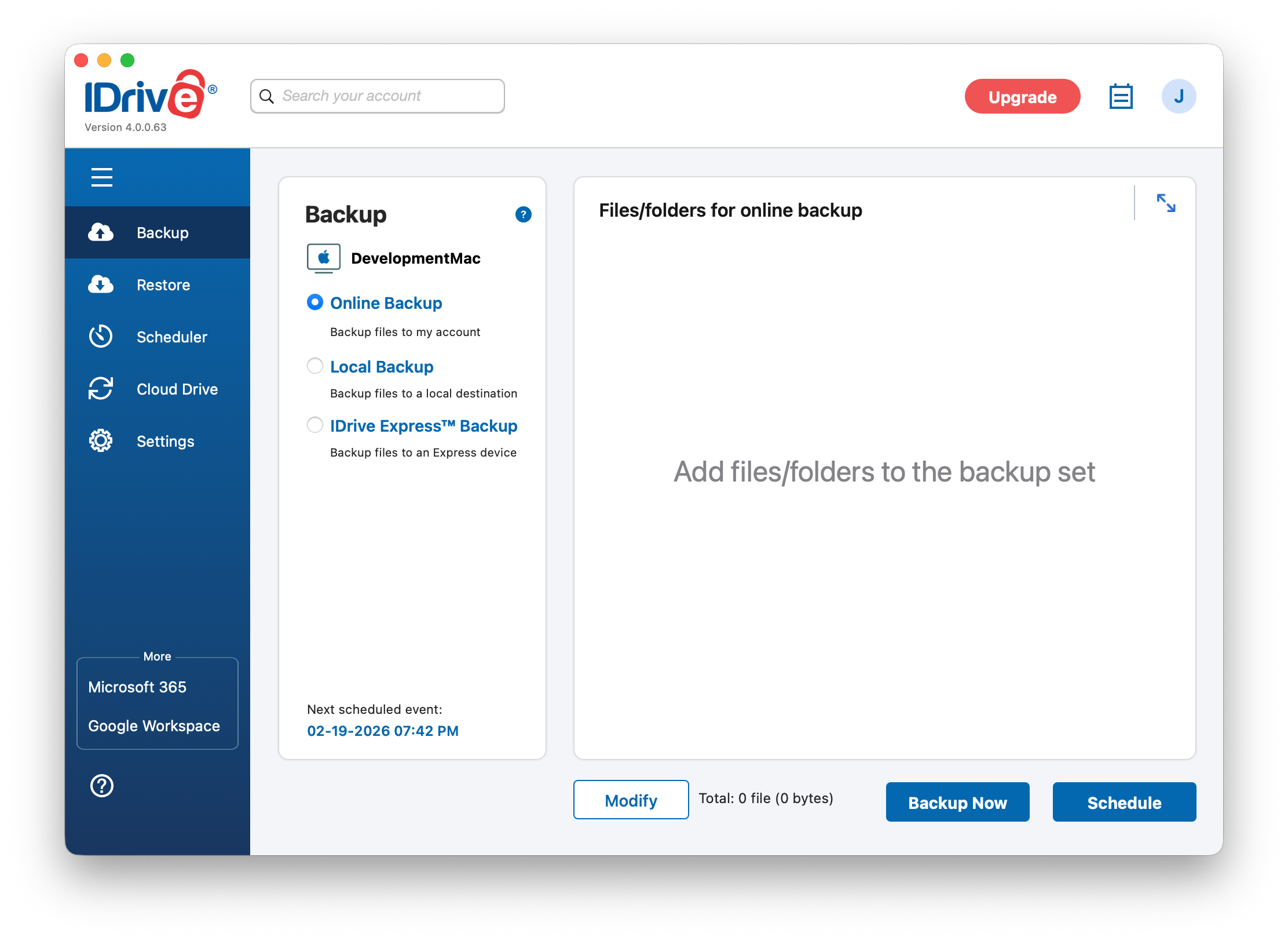
- Multi-platform cloud backup and data protection solution.
- Automated and scheduled backups for Office 365, Google Workspace, Salesforce, Dropbox and Box
- File versioning and snapshot-based recovery for long-term data retention
- Cross-platform support: Windows, macOS, Linux, iOS, Android
- Includes “IDrive e2”: a S3-compatible cloud object storage for backups, apps, and large data.
Note: IDrive only supports mounting its own private storage “Cloud Drive”. It’s not possible to mount third-party storage like Google Drive or Dropbox.
Comparison Table: RemoteDrive vs IDrive
The table below highlights key differences between RemoteDrive and IDrive, helping you choose the solution that best fits your workflow.
| Feature | RemoteDrive | IDrive |
|---|---|---|
| Main Use | Remote File Management | Backup |
| Platform | macOS only | Windows, macOS, Linux and Mobile |
| Platform Integration | Native integration with macOS Finder | Cross-platform, non-native macOS. |
| Storage Type | Connects to 3rd party storage (S3, FTP, FTPS, SFTP, WebDAV) | IDrive-provided storage |