RemoteDrive and FTP Mounter are both applications designed for macOS that allow mounting remote servers and cloud storage as local drives. This enables direct interaction with remote files via Finder without constantly downloading/uploading files through a traditional FTP client interface. While both tools support common protocols, they differ in some features.
Here is a breakdown of their differences.
RemoteDrive
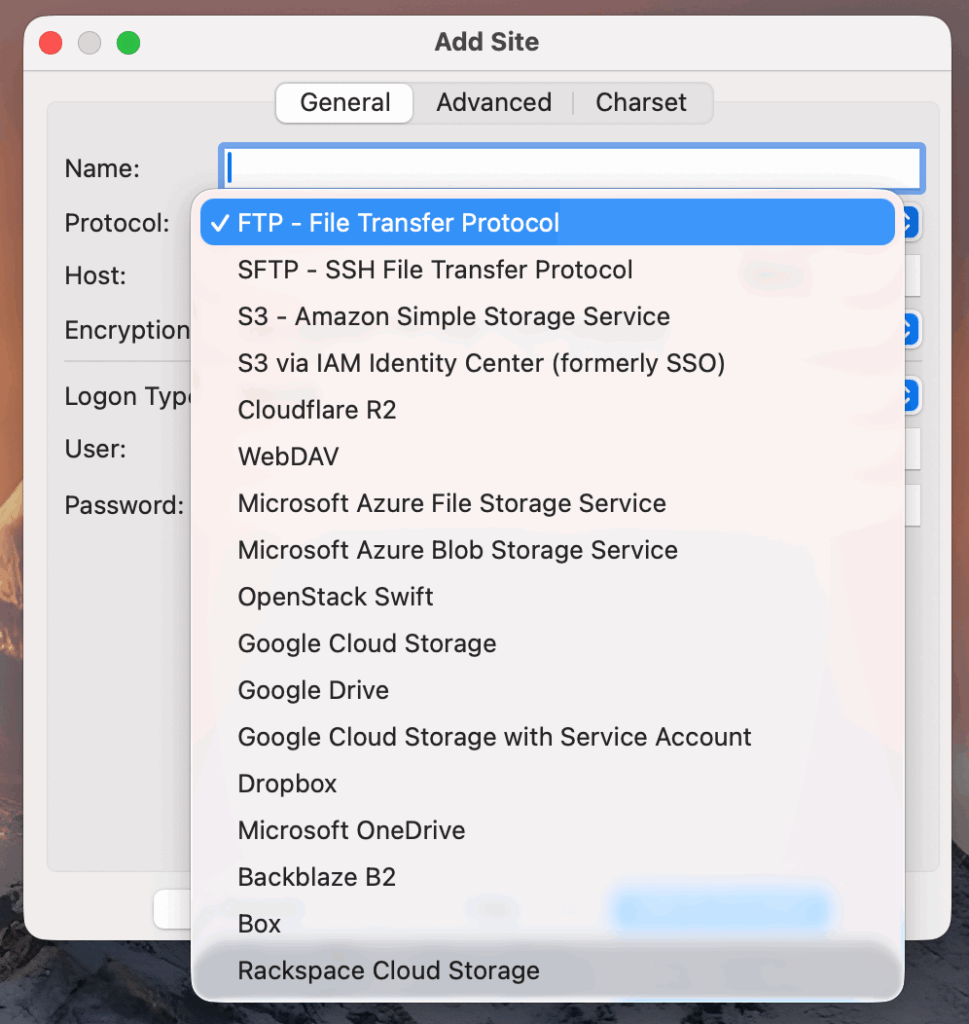
Key Characteristics:
- Native macOS drive mounting
- Seamless Finder integration
- Supports FTP, FTPS, SFTP, WebDAV, Amazon S3, Google Drive, Microsoft OneDrive, and many more cloud services
- Uses Apple’s File Provider API
- Streamlined cloud configuration
RemoteDrive is designed to make remote storage behave like a local disk. For example, RemoteDrive can connect to AWS S3 and manage cloud buckets directly from macOS without complex configuration steps.
When to use RemoteDrive:
- Seamless File Management: Treat remote storage (FTP/FTPS/SFTP/WebDAV) like local folders in Finder
- Managing Multiple Services: Access several cloud accounts or servers in one place
- Optimizing Workflows: Open, edit, and save files directly on remote servers
- Mac-Centric Users: Native macOS experience preferred over traditional FTP clients
- Broad Cloud Support: Seamlessly integrates with Google Drive, Amazon S3, Dropbox, Box, and many others
FTP Mounter
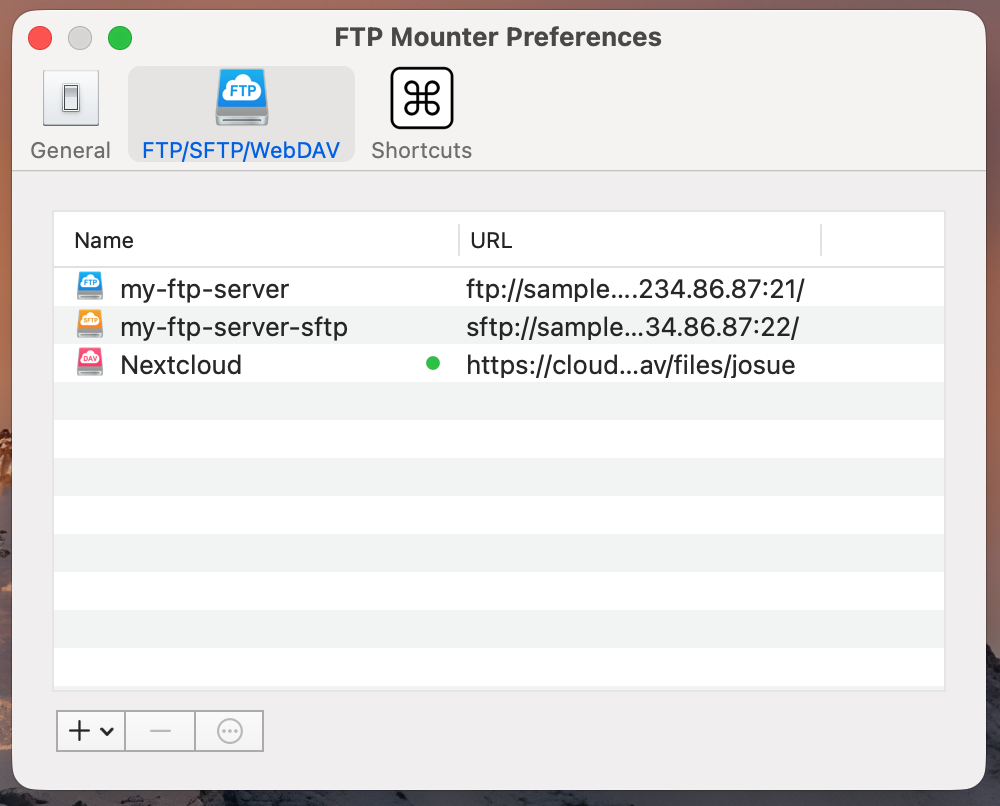
Key Characteristics:
- Mounts FTP, FTPS, SFTP and WebDAV
- Integration with the macOS File Provider extension
- Lightweight configuration
- Suitable for occasional access
- Versions: Standard and Lite (limited to one server)
While the Lite version is free, is suitable if you only need to connect occasionally to a single FTP server.
RemoteDrive supports many more cloud storage services, while the rest of the integration (mounting, Finder access, workflow) is essentially the same as FTP Mounter.
Version & Protocol Differences:
RemoteDrive (Full Version)
- Provides reliable connections via FTP, FTPS (explicit & implicit), SFTP, and WebDAV.
- All tested protocols worked consistently without limitations, making it suitable for professional and secure workflows.
FTP Mounter (Lite Version)
- Supports plain FTP only
- Explicit FTPS attempts fail silently, while implicit FTPS may get stuck on “Loading.”
- Secure protocols are not reliably supported, limiting its use for modern secure connections.
FTP Mounter (Full Version)
- Adds support for Explicit FTPS and WebDAV, improving compatibility compared to the Lite version.
- SFTP connections are not supported.
Comparison Table: RemoteDrive vs FTP Mounter
The table below highlights the functional and integration differences to help you determine which remote drive mounting solution best fits your macOS workflow.
| Feature | RemoteDrive | FTP Mounter |
|---|---|---|
| Protocol Support | FTP, FTPS, SFTP, WebDAV + many cloud services | FTP, SFTP, WebDAV |
| Amazon S3 Support | Full support with simplified configuration | Supported with manual setup |
| System Integration | Deep macOS integration with Finder | Limited Finder-level integration |
| Languages Supported | EN, IT, DE, FR, NL, PL, KO, RU, PT, ES, ZH-Hans, ZH-Hant, JA | EN, ZH-CN |
| Best Use Case | Professional and daily workflows | Occasional or lightweight access |