RemoteDrive and Mountain Duck both allow macOS users to access cloud and remote storage directly in Finder, but they differ fundamentally in how they manage the connection:
- RemoteDrive (“Active” Model): Operates only while the app is open. Files are ready while the app runs and disappear immediately when closed, preventing “ghost” drives or disconnected files.
- Mountain Duck (“Virtual Drive” Model): Attempts to keep a permanent drive visible even if the service isn’t running. This can lead to errors or empty folders when clicking a drive that is technically offline.
RemoteDrive
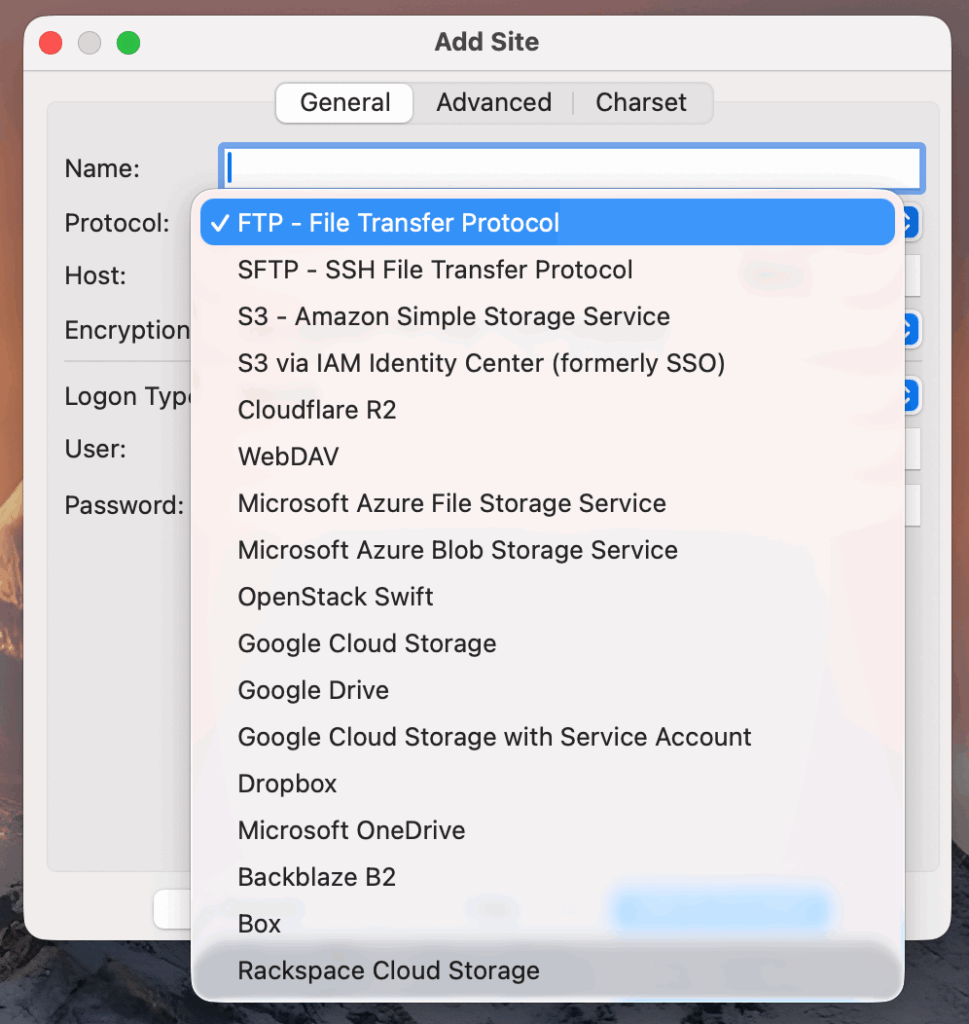
RemoteDrive (Active Model)
- Live Connection: Only visible when the app is running. No “ghost” drives.
- Reliability: Fresh connections every launch prevent folder duplication and sync bugs.
- Menu Bar Centric: Designed as a “headless” Menu Bar app. While active, its window remains closed unless you are configuring settings, leaving only a small icon in the top bar.
- Clean Exit: Quit the app to disconnect; no manual unmounting required.
- Platform: macOS only.
RemoteDrive is a streamlined connector designed for high reliability and a clean workspace. By utilizing an “Active Model” architecture, it manages cloud transfers seamlessly in the background only while the app is running. This ensures your Finder sidebar remains uncluttered and eliminates the sync errors or “ghost” folders common with persistent virtual drives.
Mountain Duck
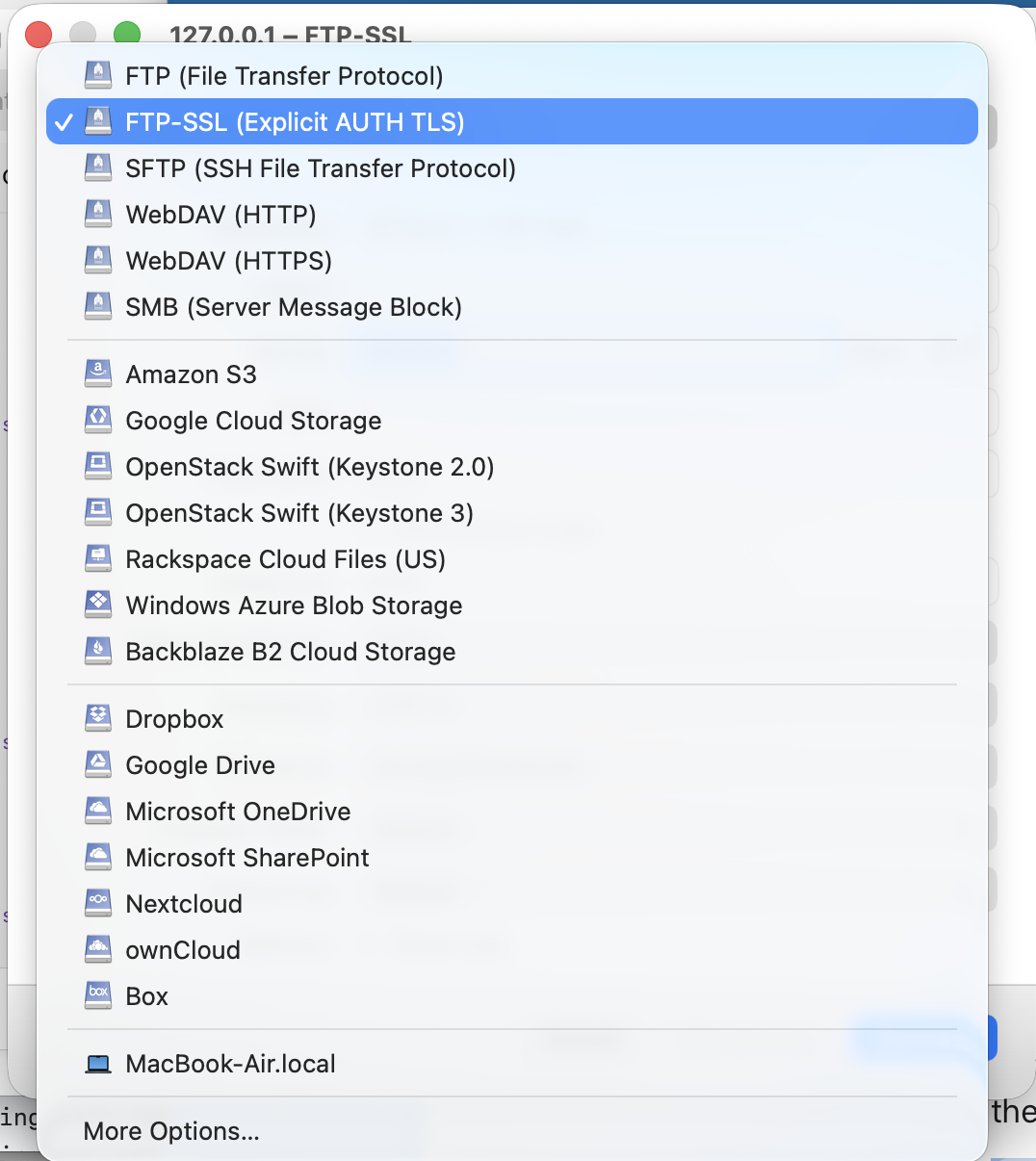
Mountain Duck (Virtual Drive Model)
- Persistent Drive: The drive remains visible even if the app or backend is offline.
- Static Pathing: File links stay valid across system restarts.
- Independent Mounting: Drive structure stays in the OS regardless of app activity.
- Background Engine: Also runs from the Menu Bar, but acts as a control center for a continuous background synchronization process and detailed transfer history.
- Platform: macOS and Windows.
Mountain Duck is a “Virtual Drive” solution built for cross-platform persistence and long-term file path stability. It maintains a permanent drive presence in the operating system regardless of the application’s state, allowing file links to remain valid across system restarts. It is designed for users who require a constant drive mount that stays visible even when the backend engine is paused.
Comparison Table: RemoteDrive vs. Mountain Duck
| Feature | RemoteDrive (Active Model) | Mountain Duck (Virtual Drive) |
|---|---|---|
| Connection State | Live Only: Active only while app is running. | Persistent: Visible even when disconnected. |
| Interface Style | Minimalist: Menu Bar app; window is hidden during use. | Active Status: Menu Bar icon manages persistent sync and history. |
| User Experience | Streamlined: Quit app to disconnect. | Complex: Often requires UI unmount + Finder delete. |
| Stability | High: Fresh handshake prevents sync bugs. | Variable: Prone to folder duplication. |
| Pricing Model | $12.99/year: Includes all updates and protocol maintenance. | $49.00 one-time: Perpetual license; major upgrades are paid (typically 30% discount). |