SSH File Transfer Protocol (SFTP) is a method for transferring files between a local and remote computer, like FTP and FTPS, but the difference is in how it works. Instead of sending FTP commands, SFTP uses an extended set of SSH commands. If the server you’re connecting to only supports FTP connections, not SSH connections, you won’t be able to use SFTP.
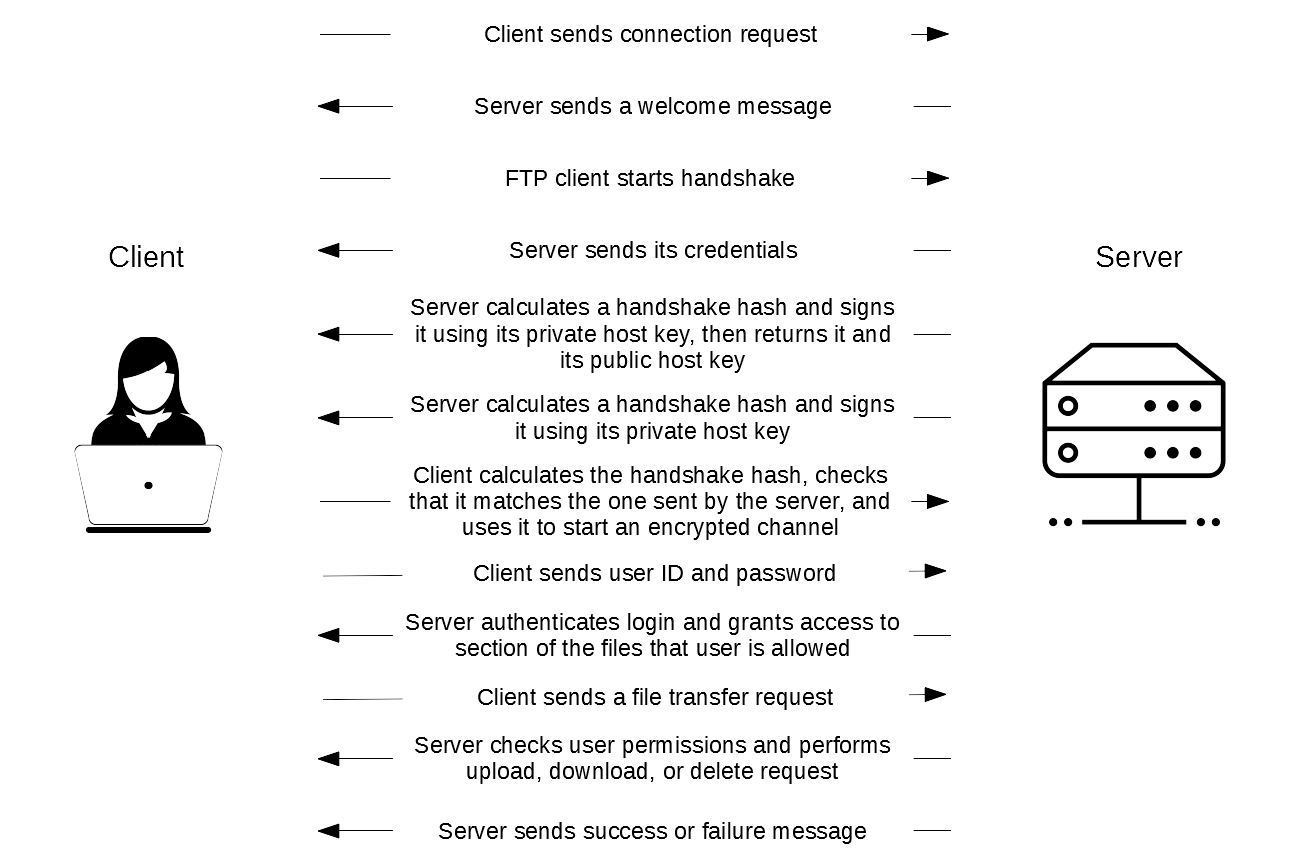
The video tutorial below shows how SFTP works.
Want the full picture — how the SSH handshake works, why SFTP isn’t just “FTP with encryption,” and how it stacks up against FTP and FTPS in detail? Read our complete guide: What Is SFTP? A Complete Guide.
Do you need to run an SFTP server?
To connect via SFTP, the remote server must support SSH-based connections — not all do. If you are looking to host your own SFTP server, be aware that the free FileZilla Server supports FTP and explicit FTPS only. SFTP support requires FileZilla Pro Enterprise Server.
FileZilla Pro Enterprise Server extends the free FileZilla Server with SFTP alongside FTP and FTPS, adds user and group management, TLS certificate handling, and includes commercial support — making it a solid choice for teams and businesses that need secure, SSH-based file transfers.
Get Started with FileZilla Pro Enterprise Server
Available for Windows. Purchase today and try it risk-free — if it doesn’t meet your needs, you’re entitled to a full refund within 30 days.